
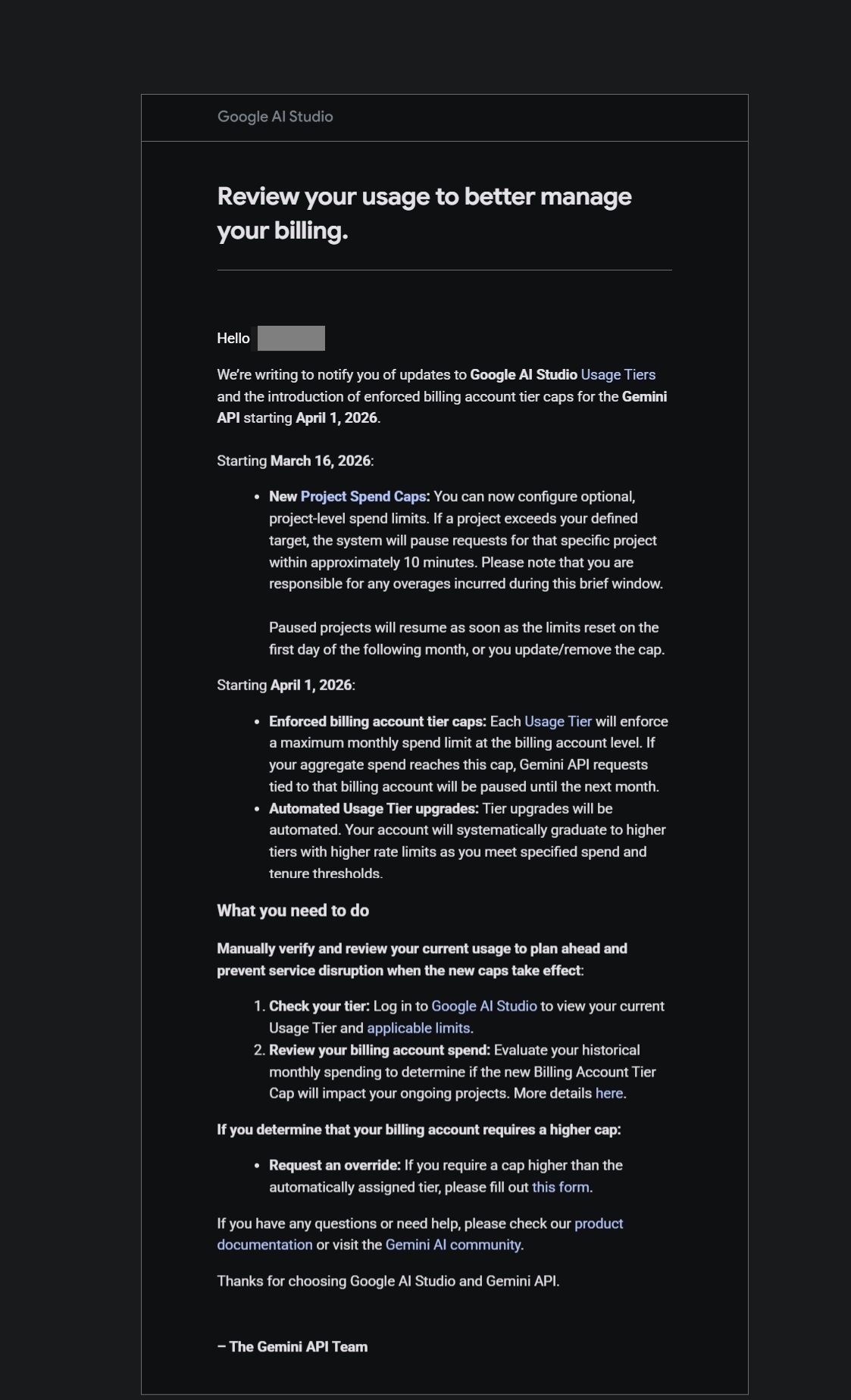
Gemini email update sent to customers notifying them of API usage tier changes and billing caps, effective April 1st, 2026. Below is a screenshot of the update from Google AI Studio.
Here is what Google had to say about the changes;
We’re writing to notify you of updates to Google AI Studio Usage Tiers and the introduction of enforced billing account tier caps for the Gemini API starting April 1, 2026.
Review these changes and how they may impact your API usage.
Key changes:
Starting March 16, 2026:
New Project Spend Caps: You can now configure optional, project-level spend limits. If a project exceeds your defined target, the system will pause requests for that specific project within approximately 10 minutes. Please note that you are responsible for any overages incurred during this brief window.
Paused projects will resume as soon as the limits reset on the first day of the following month, or you update/remove the cap.
Starting April 1, 2026:
Enforced billing account tier caps: Each Usage Tier will enforce a maximum monthly spend limit at the billing account level. If your aggregate spend reaches this cap, Gemini API requests tied to that billing account will be paused until the next month.
Automated Usage Tier upgrades: Tier upgrades will be automated. Your account will systematically graduate to higher tiers with higher rate limits as you meet specified spend and tenure thresholds.
What you need to do
Manually verify and review your current usage to plan ahead and prevent service disruption when the new caps take effect:
- Check your tier: Log in to Google AI Studio to view your current Usage Tier and applicable limits.
- Review your billing account spend: Evaluate your historical monthly spending to determine if the new Billing Account Tier Cap will impact your ongoing projects. More details here.
If you determine that your billing account requires a higher cap:
Request an override: If you require a cap higher than the automatically assigned tier, please fill out this form.
Leave a Comment
You must be logged in to post a comment.